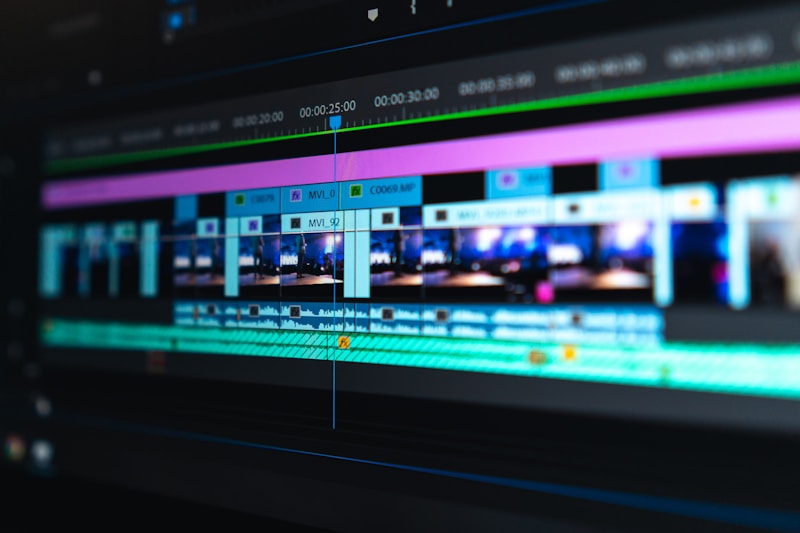
Master Video Editing for Maximum Engagement
Great editing can transform mediocre footage into compelling content. This guide covers the techniques top YouTubers use to keep viewers watching until the very end.
The Psychology of Editing
Attention Span Reality
Modern viewers have shorter attention spans than ever:
- 8-second initial hook is crucial
- Pattern interrupts every 3-5 seconds
- Visual variety maintains engagement
- Pacing should match content energy
Every edit should ask: "Does this keep viewers watching?"
- Cut everything that doesn't add value
- Maintain forward momentum
- Create anticipation for what's coming
- End segments before they get boring
Essential Editing Techniques
Jump Cuts
The signature YouTube editing style:
- Remove pauses and filler words
- Create energetic pacing
- Keep only the essential content
- Work best for talking head videos
Visual support for your narrative:
- Show what you're talking about
- Break up talking head footage
- Add visual interest
- Support complex explanations
Reinforce key points visually:
- Highlight important information
- Add context and clarification
- Create memorable moments
- Guide viewer attention
Pacing Strategies
Match Edit Pace to Content
- Educational content: Measured, clear pacing
- Entertainment: Quick, energetic cuts
- Emotional content: Slower, deliberate editing
- Tutorials: Clear, step-by-step progression
Every 3 seconds, viewers should see or hear something new:
- Camera angle change
- New visual element
- Sound effect
- B-roll cut
- Text overlay
Sound Design
Audio Is Half the Experience
Poor audio kills videos faster than poor video:
- Use quality microphones
- Remove background noise
- Add subtle sound effects
- Use music strategically
- Match music energy to content mood
- Adjust volume to not overpower voice
- Use royalty-free music (Epidemic Sound, Artlist)
- Create emotional peaks with music swells
Enhance moments with:
- Whoosh sounds for transitions
- Pop sounds for text appearance
- Subtle ambient effects
- Comedic timing sounds
Color Grading
Consistent Visual Style
- Create a color profile for your channel
- Ensure skin tones look natural
- Match colors across all footage
- Use LUTs for efficiency
- Warm tones: Friendly, inviting
- Cool tones: Professional, serious
- High contrast: Energetic, dramatic
- Low contrast: Calm, intimate
Transitions and Effects
Keep It Simple
- Cut is the most powerful transition
- Dissolves for time passing
- Wipes and zooms sparingly
- Avoid cheesy transitions
When appropriate, add:
- Animated text
- Lower thirds
- Subscribe reminders
- Custom transitions
Retention-Boosting Techniques
Open Loops
Tease upcoming content:
- "But first, let me show you..."
- Quick preview of exciting moment
- Questions that will be answered later
- Cliffhangers between segments
Break monotony with:
- Unexpected sound effects
- Zoom ins/outs
- Change of scenery
- Visual gags
Editing Workflow
Efficient Process
Time Management
- 1 minute of finished video = 1 hour of editing (beginner)
- 1 minute of finished video = 30 minutes of editing (intermediate)
- 1 minute of finished video = 15 minutes of editing (efficient)
Software Recommendations
Free Options
- DaVinci Resolve: Professional-grade, free version
- Shotcut: Simple and capable
- CapCut: Great for mobile editing
- Adobe Premiere Pro: Industry standard
- Final Cut Pro: Mac-optimized
- Filmora: Beginner-friendly
Conclusion
Editing is where good content becomes great content. Invest time in learning these techniques, develop your own style, and remember: the best edit is one that viewers don't consciously notice because they're too engaged with your content.