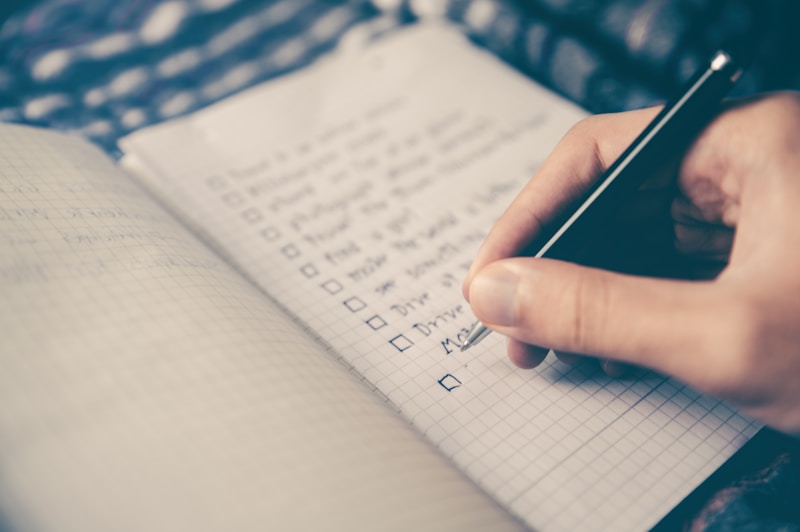
The Ultimate Content Planning System for YouTubers
Running out of video ideas is one of the biggest challenges creators face. This guide will help you build a sustainable system for generating, organizing, and executing content ideas consistently.
Building Your Idea Generation System
The Content Pillar Framework
Define 3-5 core topics (pillars) for your channel:
Example for a fitness channel:
Each pillar should have subtopics:
Workout Routines:
- Home workouts
- Gym routines
- Quick workouts
- Beginner guides
- Advanced techniques
12 Proven Ideation Methods
1. Audience Questions
- YouTube comments on your videos
- Comments on competitor videos
- Subreddit discussions
- Quora questions
- Social media DMs
- YouTube autocomplete
- Google Trends
- TubeBuddy keyword explorer
- Related searches
- What's working for others?
- Gaps they're not filling
- Different angles on popular topics
- Response videos
- News in your niche
- Industry developments
- Trending topics
- Seasonal relevance
- Challenges you've overcome
- Lessons learned
- Behind-the-scenes content
- Journey documentation
- Update older videos
- Create compilations
- Deep dive on popular topics
- Respond to feedback
- Part 2, 3, etc. of popular videos
- Ongoing series
- Challenges with multiple episodes
- Progressive tutorials
- Guest experts
- Creator collaborations
- Audience participation
- Community challenges
- Substitute: What if we changed one element?
- Combine: Merge two topics
- Adapt: Apply to different context
- Modify: Make bigger/smaller
- Put to other uses: New applications
- Eliminate: Remove common elements
- Reverse: Opposite perspective
- Lists: "Top 10..."
- Tutorials: "How to..."
- Reviews: "Honest review of..."
- Comparisons: "X vs Y"
- Reactions: "Responding to..."
- Stories: Personal narratives
- Holidays and seasons
- Industry events
- Annual trends
- Predictable searches
- Use ChatGPT for brainstorming
- Generate variations on themes
- Explore unexpected angles
- Never copy AI content directly
The Content Calendar
Planning Timeframes
- **Quarterly**: Big-picture themes and goals
- **Monthly**: Specific video topics
- **Weekly**: Production and publishing schedule
For each video, track:
- Publishing date
- Video title/topic
- Content pillar
- Status (idea/scripting/filming/editing/published)
- Target keywords
- Thumbnail concept
- Performance notes (after publishing)
Batching Content Creation
Why Batching Works
- Reduces context switching
- More efficient use of setup time
- Maintains creative momentum
- Builds content buffer
- Monday: Research and scripting
- Tuesday: Filming day
- Wednesday: Editing and graphics
- Thursday: Editing and publishing
- Friday: Engagement and planning
Maintaining Consistency
The Content Buffer
Always have videos ready:
- Minimum: 2 videos ahead
- Comfortable: 4 videos ahead
- Ideal: 8+ videos ahead
When stuck:
- Return to your pillar framework
- Revisit successful past content
- Ask your audience directly
- Take a short break and consume content
- Lower your standards temporarily (done > perfect)
Content Type Balance
Mix Your Content Types
- **Evergreen** (60%): Timeless, searchable content
- **Trending** (20%): Timely, capitalizes on current interest
- **Community** (20%): Engagement-focused, audience building
Quality Control System
Before Publishing Checklist
- [ ] Delivers on title promise
- [ ] Strong hook in first 30 seconds
- [ ] Good audio quality
- [ ] Engaging throughout
- [ ] Clear call to action
- [ ] Thumbnail optimized
- [ ] Description complete
- [ ] Tags added
- [ ] Cards and end screen set
Tools for Content Planning
Free Options
- Google Sheets/Excel
- Notion
- Trello
- Google Calendar
- Asana
- Monday.com
- Airtable
- CoSchedule
Conclusion
A systematic approach to content planning transforms YouTube from stressful to sustainable. Build your ideation system, maintain your content calendar, and always keep a buffer of ready content. The creators who last are those who plan.